 Writ
Files and the folder
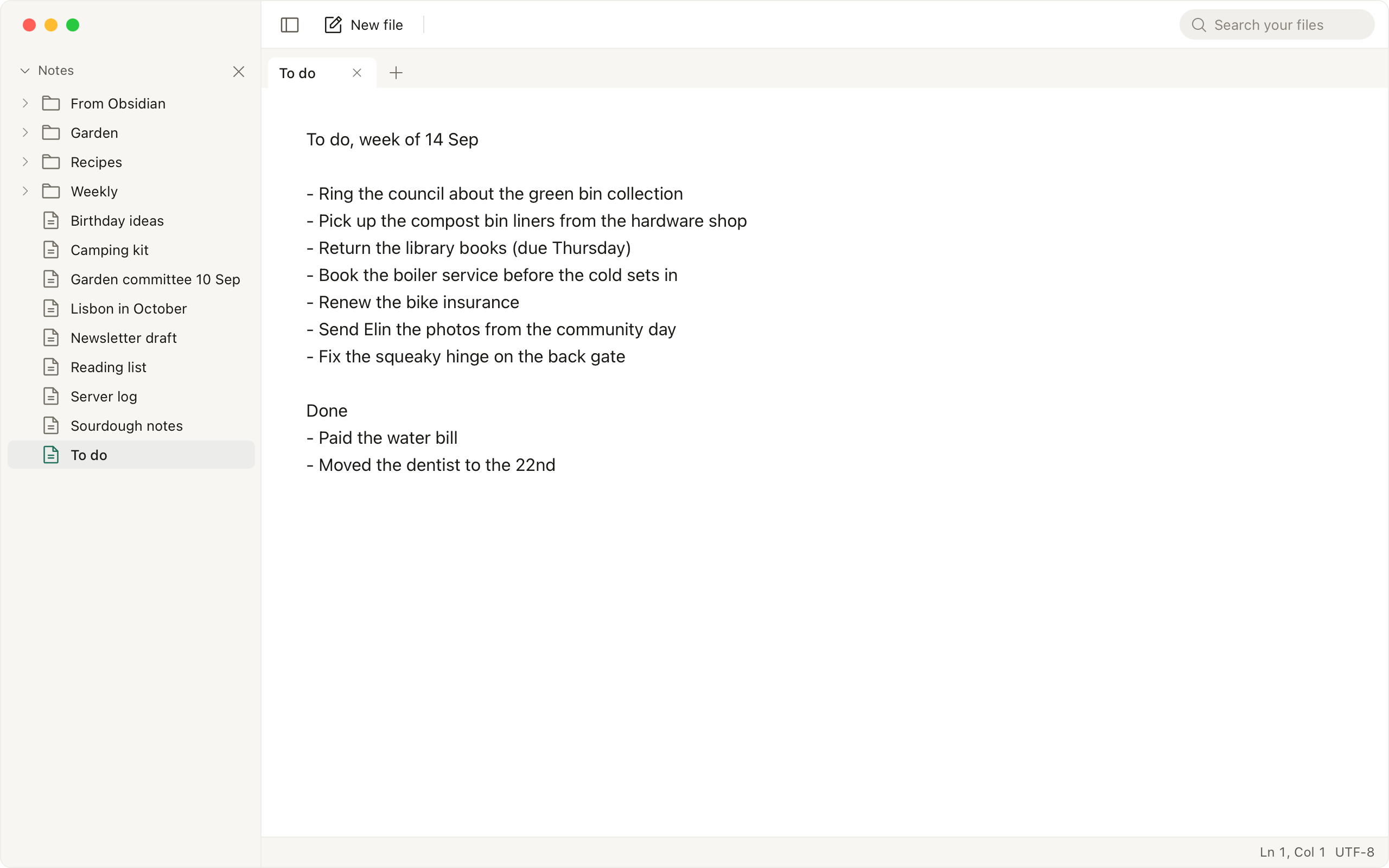
Drag a file onto the window, double-click it in Finder once Writ is the default app, use Open File, or run writ path. Writ saves the file where it is, a second after you stop typing; ⌘S saves at once. Code and configs open with highlighting for the language, and binary files open read-only as hex. A file over 5 MB opens in large-file mode, with formatting, spell check, links and highlighting off, and Writ opens files up to 524 MB.
Writ also has a folder of its own, ~/Writ until you move it with Move… in Settings, General, Folder. New File (⌘N) creates a file there named writ- plus the date and time, in the format set in Settings, General, Default format. Name it Groceries.md or Groceries.txt and the name decides the format. Today's File, in the File menu, opens a file named for the date. Delete moves a file to the Trash, and closing a tab keeps the file.
The folder is watched, so a change made in another program shows up at once. A file with unsaved edits asks before anything is replaced, and a save never overwrites a newer file: the unsaved text is written beside it as a dated copy instead. Choose Open Folder… (⌘⌥O) in the File menu, or run writ . in a folder, and the sidebar shows its tree.
Text encodings
A file in another text encoding, such as Windows-1252, Shift JIS, GBK or UTF-16, opens as text and saves in that encoding. A save that would lose a character the encoding cannot hold is refused, and the character is named. The encoding in the status bar reopens the file in another one.
Tabs and panes
Split right (⌘⇧2) shows the file in front in a second pane beside the first. Each pane has its own tabs, and an edit to a file open in both shows in both. F6 moves to the other pane, ⌘⇧M moves the tab there, and Close split (⌘⇧1) puts every tab back in one pane. The split comes back after a relaunch.